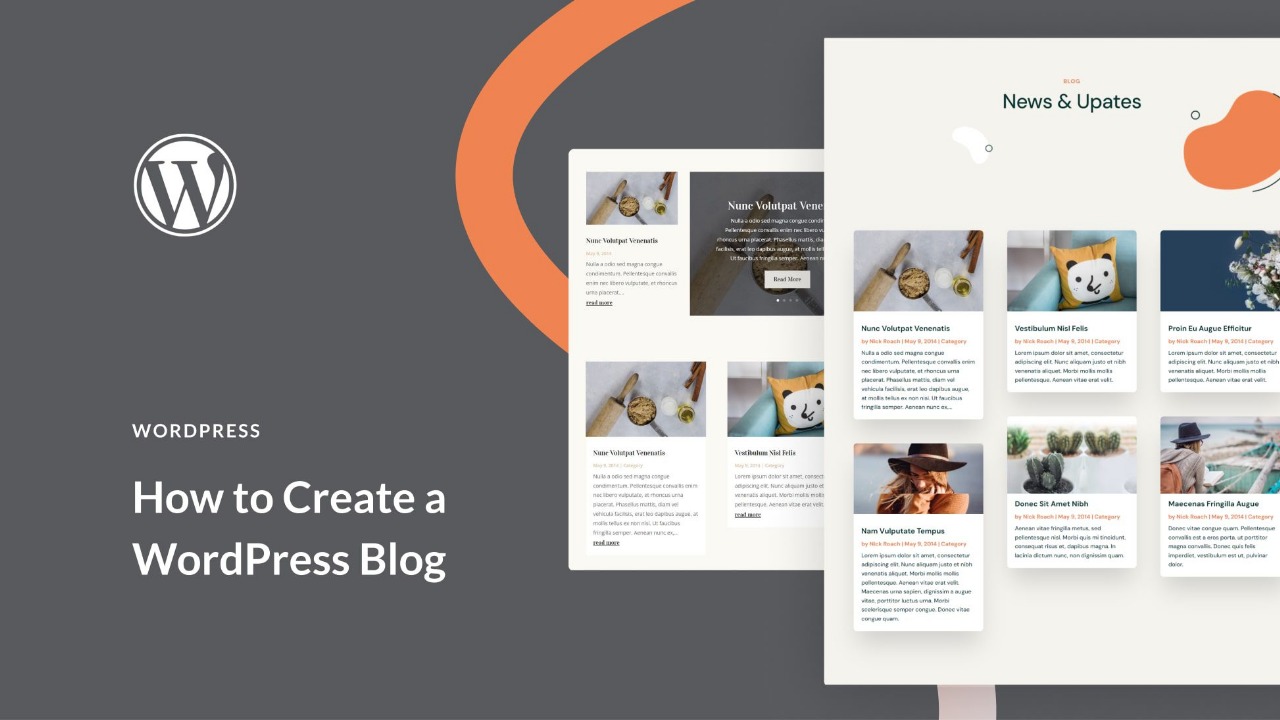
Alright, so you wanna start a WordPress blog in 2025? Good call. Whether you’re itching to rant, build your own little internet empire, or just wanna see if you can turn memes into money—this is where it all starts. And nah, you don’t need to be some tech whiz. If you can order a pizza online, you can set up a blog. Swear.
Here’s my totally unfiltered, step-by-step rundown. Buckle up.
✨ Step 1: Figure Out Your Niche & Grab a Name
First things first—what’s your blog even about? Could be travel, weird tech gadgets, your obsession with houseplants, whatever. But pick something you actually care about. Trust me, you’ll burn out quick if you don’t.
Who’s your people? Students? Tired parents? Retired pro wrestlers? Doesn’t matter, just know your crowd.
Now, snag a name that sticks. Keep it short-ish. If you’re obsessed with stationery, don’t overthink it—stationeryking.in? That works.
💻 Step 2: Grab Hosting & Your Domain
- Don’t mess with WordPress.com if you want any real control. Go with WordPress.org (that’s self-hosted).
- Buy a domain (yourblog.com or something less generic, please).
- Pick hosting that doesn’t suck. Bluehost, Hostinger, SiteGround—they’re all pretty solid right now.
- Connect your domain to your host (they’ll walk you through it—usually a “one-click install” for WordPress, which is as easy as it sounds).
Oh, and make sure your hosting package throws in a free SSL certificate (the https thingy). Google likes that.
🎨 Step 3: Choose a Theme (Make It Pretty)
This is the fun part. Or annoying, if you’re indecisive.
Some killer themes for 2025:
- Astra (you can make it look however you want)
- GeneratePress (super clean, super quick)
- Kadence (great if you wanna sell stuff, too)
- Divi or Elementor Pro (if you like drag-and-drop and don’t mind dropping some cash)
Install one by going: Dashboard > Appearance > Themes > Add New. Click, done.
⚡ Step 4: Load Up on Essential Plugins
Plugins = extra powers for your blog. Don’t go overboard, but here’s the must-haves:
- Rank Math SEO or Yoast SEO (so Google actually finds you)
- WP Rocket or LiteSpeed Cache (speed is life)
- UpdraftPlus (backups, because disasters happen)
- Wordfence (don’t get hacked, please)
- Elementor (if you wanna drag-and-drop like a boss)
Find ‘em at Dashboard > Plugins > Add New.
✍ Step 5: Write Your First Posts
Alright, here’s where you let loose. Go to Posts > Add New.
- Catchy title—use your main keyword, but don’t sound like a robot.
- Shoot for at least 1,000 words. More is better, but don’t ramble just to hit a number.
- Break it up with headings, bullets, and a few pics (nobody likes a wall of text).
- Use your SEO plugin to sprinkle in keywords, add a meta description, and toss in some internal links.
Sample titles for inspo:
- “10 Easy Morning Routines for 2025”
- “Best Travel Gadgets You Absolutely Need”
🌍 Step 6: Tweak & Launch
Add the basics: About, Contact, Privacy Policy (boring but necessary).
- Set up your menu (Appearance > Menus).
- Check your blog on your phone and computer. Don’t skip this—half your readers are on mobile.
Now… hit publish. That’s it. You’re a blogger. Go brag to your mom.
💰 Step 7: Make Some Cash (Eventually)
Once you’ve got people actually reading your stuff, here’s how to milk it:
- Google AdSense (ads. Easy, but don’t expect to get rich overnight)
- Affiliate links (recommend stuff, get paid if people buy)
- Sponsored posts (brands pay you to talk about their thing)
- Sell digital goods (ebooks, courses, templates if you’re feeling fancy)
✅ Real Talk
Starting a WordPress blog in 2025 is honestly a breeze. Seriously, if you’ve got:
- A niche and a name
- Hosting + WordPress set up
- A theme and a few plugins
- Some actual content (don’t skip this part)
- Patience and SEO hustle
…you’re good. Stop waiting for the “perfect time.” Start today. Your future self will look back and say, “Dang, I’m glad I didn’t put this off.”